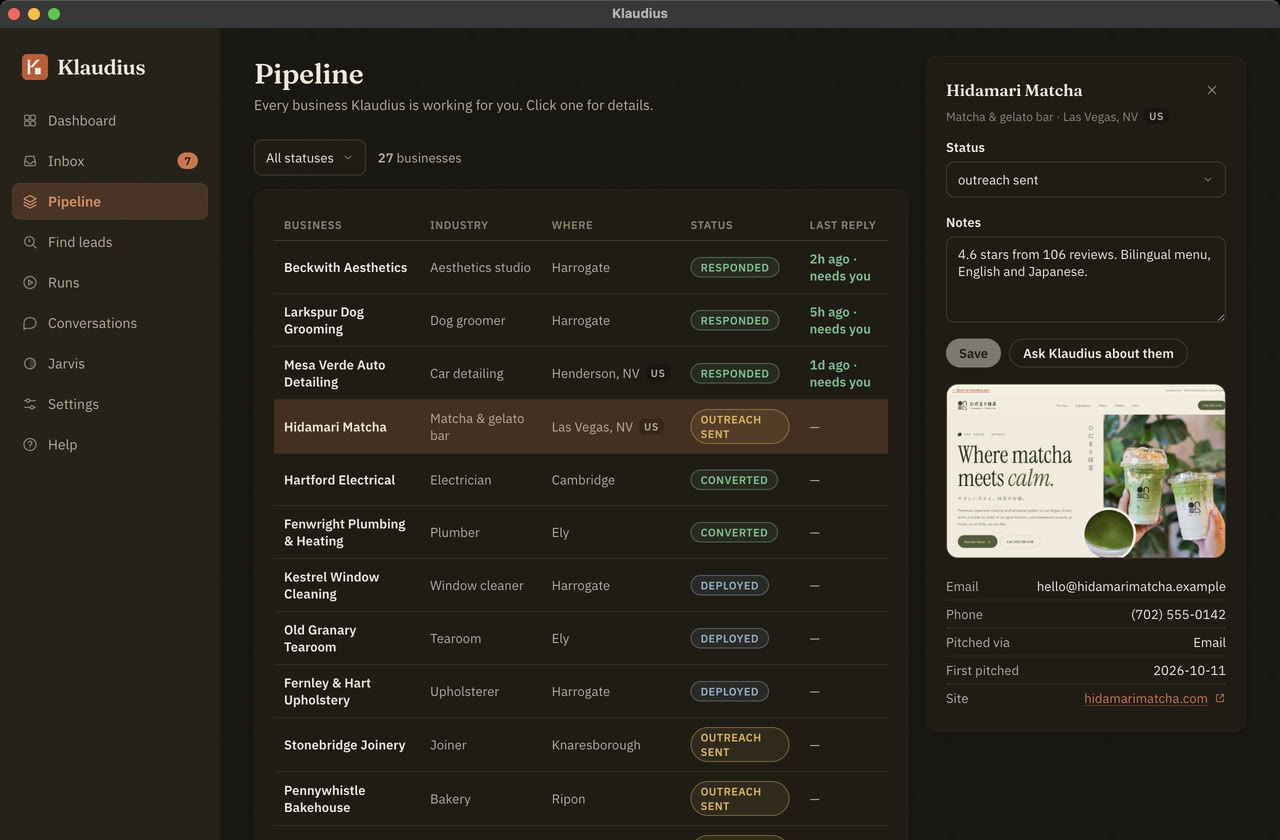
Install it. On a Mac, open the download and drag Klaudius into your Applications folder before you open it, so it can keep itself up to date. On Windows, run the installer. On Linux, open the download to install it. On a Chromebook, turn on Linux first (in Settings, under About ChromeOS, then Developers), then open the download in Files and choose Install.
You’ll need your licence key. It’s in the email we sent when you subscribed, and the app asks for it the first time it opens. Don’t have one yet? Subscribe.
Mac with Apple silicon or Intel, on macOS 14 or later. Windows 10 or later, 64-bit, including Windows 11 on Arm. Linux on a 64-bit Intel or AMD processor: Ubuntu, Debian, or a Chromebook with Linux turned on.